Insights Dashboards
Dashboards are the central point of Insights, as they allow you to see the "big picture" about your operational deployments. They give you information on what your employees are doing and where, and whether your devices are operating in the most optimal way.
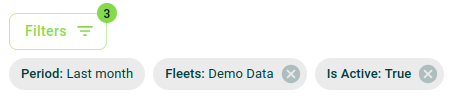
Thanks to filters on charts, you may create various levels of analysis: global dashboards pertaining to all devices in your organization, dashboards centred around specific fleets, dashboards tracking specific application usage, and much more!
Managing dashboards
When creating or editing the settings of a dashboard, you need to name it and optionally give it a description in order to help other users to understand its content.
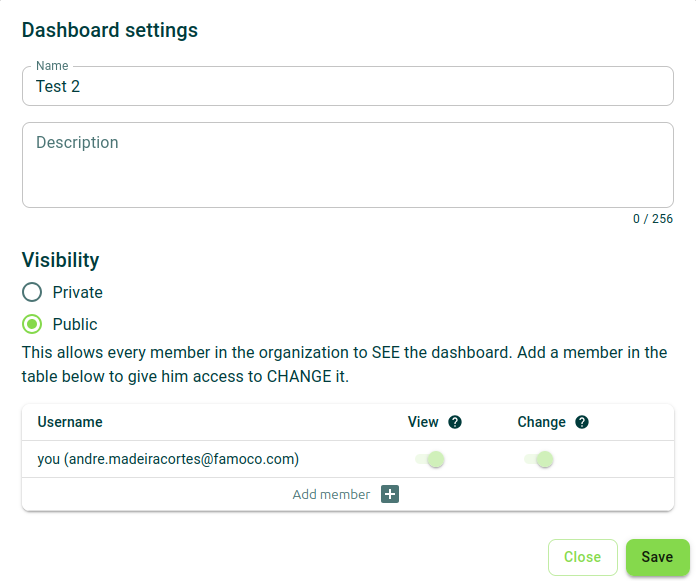
Additionally, you need to set the visibility of the dashboard:
- Private: you decide which users are able to see and/or edit this dashboard;
- Public: everyone in your MDM organization is able to see the dashboard, but you can pick users in order to allow them to edit it too.
Permissions
The following list includes all permissions tied to this MDM section and the impacts they have on the MDM interface or the Insights API.
You can pick and choose these permissions when creating a new Custom Role or Insights API token.
Permission category - "Insights - Dashboard"
Read (insights.dashboard.read)
-
What it does: Allows users to access and view the list of dashboards and individual dashboard pages.
-
Where it applies:
- Insights dashboards list page (/insights/dashboards)
- Insights dashboard page (/insights/dashboard/<dashboard_id>)
-
What happens without this permission:
- The dashboard page can’t be accessed.
Create (insights.dashboard.create)
-
What it does: Allows users to create new dashboards.
-
Where it applies:
- Insights dashboards list page (/insights/dashboards)
- Displays the "New" button at the top of the page.
- Displays the "Create Dashboard" button when no dashboards exist.
- Insights dashboards list page (/insights/dashboards)
-
What happens without this permission:
- The "New" button is not visible.
- The "Create Dashboard" button is not visible when no dashboards exist.
Delete (insights.dashboard.delete)
-
What it does: Allows users to delete dashboards.
-
Where it applies:
- Insights dashboards list page (/insights/dashboards)
- Insights dashboard page (/insights/dashboard/<dashboard_id>)
-
What happens without this permission:
- Delete dashboard buttons are not displayed on either page.
Update (insights.dashboard.update)
-
What it does: Allows users to modify dashboards (name, content, permissions, adding or removing charts).
-
Where it applies:
- Insights dashboards list page (/insights/dashboards)
- Insights dashboard page (/insights/dashboard/<dashboard_id>)
- Displays edit icon buttons.
- Displays "Add Chart" and "Modify Dashboard" buttons.
-
What happens without this permission:
- Edit icons are not displayed.
- The “Add Chart” and “Modify Dashboard” buttons are not displayed.
- No actions to modify dashboards are possible.
Editing the contents of a dashboard
If you have the permission to edit a dashboard, press the "Modify Dashboard".
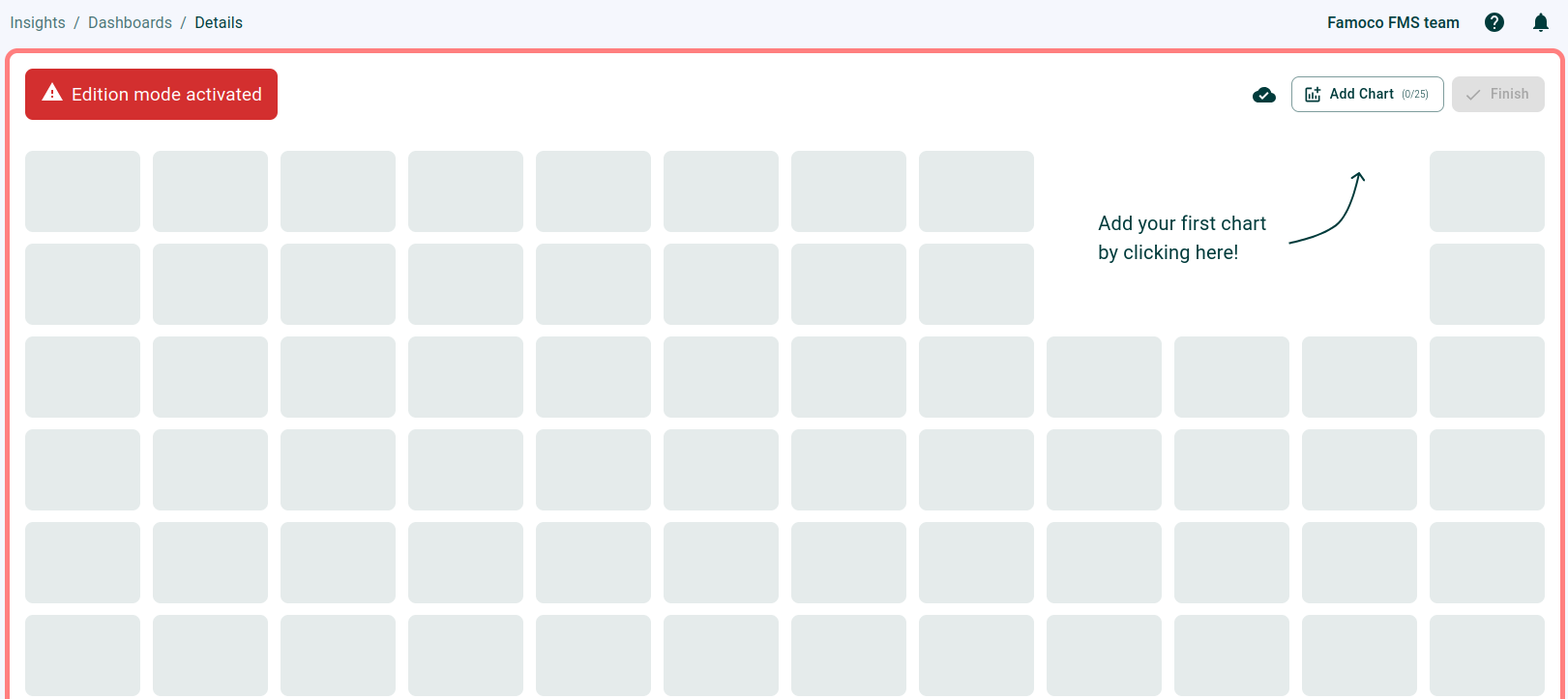
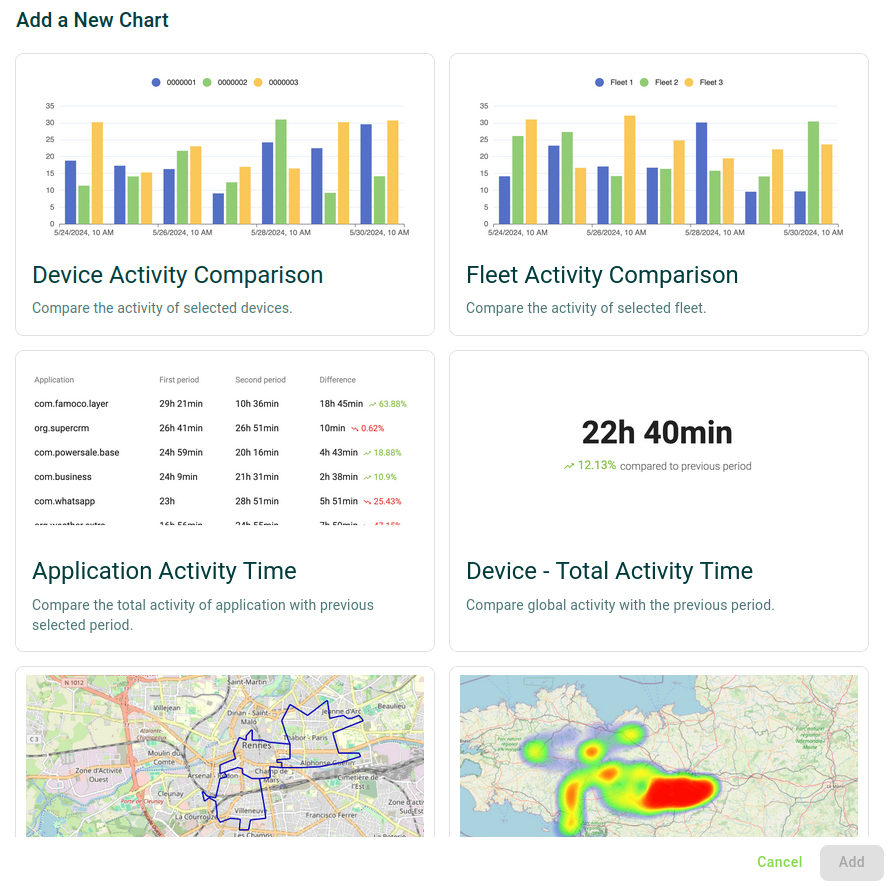
On the top right corner, the button "Add Chart" allows you to see a complete list of the available charts that Insights provides. Selecting one of them and clicking "Add" will provide that chart on your dashboard.
Once you are done, press "Finish" to end your editing session.
When highlighting a chart, a toolbox is displayed in order to apply some transformations on it:
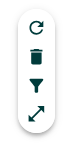
- Refresh the chart
- Remove the chart from your dashboard
- Apply filters to the chart
- Expand the chart to see explore it better
Interactivity between charts and the data table
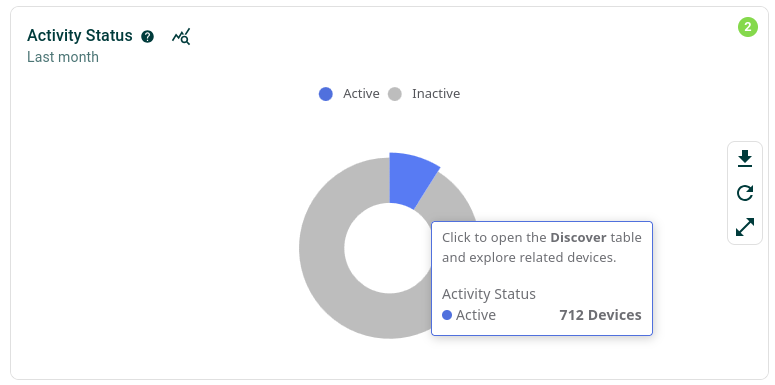
It is possible to interact with charts in order to understand which devices are being highlighted.
When clicking on key elements of most charts, you will be redirected to the Discover page with the same exact filters the chart uses to analyse devices, allowing you dive deep and check the devices concerned. The charts where this is not possible are the ones using location data, which is not a filterable field on the Discover data table.