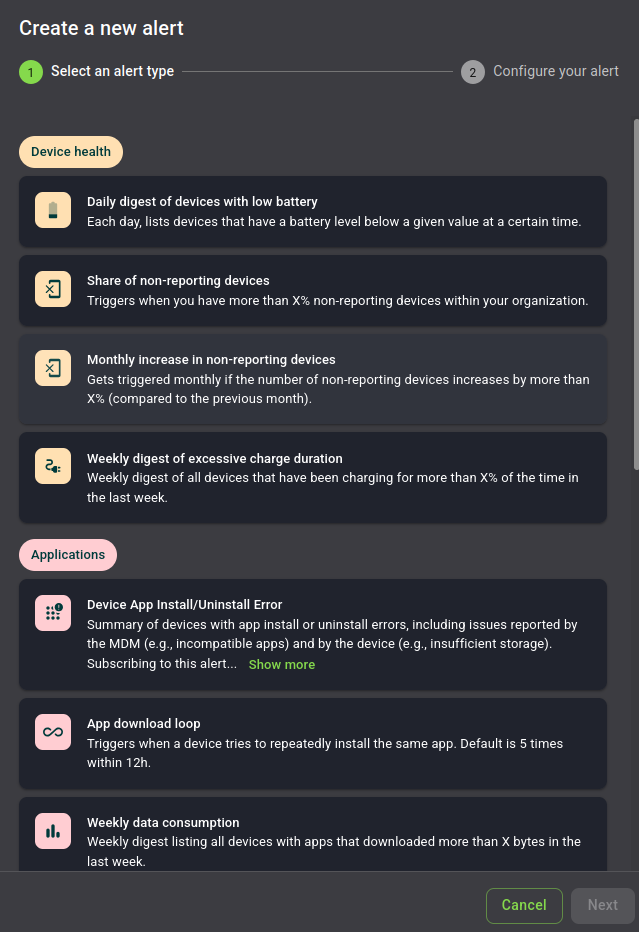
By clicking on the "+ New" button, a form allows you to create an alert for you and your organization's users.
Select an alert type, press "Next", and configure your alert. For some alerts, only the name is configurable, for others
the form will display modifiable data such as thresholds or the time at which you want the alert to be triggered.
Warning
Times are all in UTC timezone, please adapt to your timezone when subscribing to an alert with a specific trigger time.
Permissions
The following list includes all permissions tied to this MDM section and the impacts they have on the MDM interface
or the MDM API.
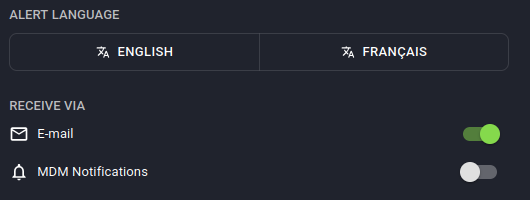
Clicking on the toggles seen below allows you and other people in your organization to subscribe to created alerts and
receive feedback, either by e-mail or by MDM Notification.
Permissions
The following list includes all permissions tied to this MDM section and the impacts they have on the MDM interface
or the MDM API.
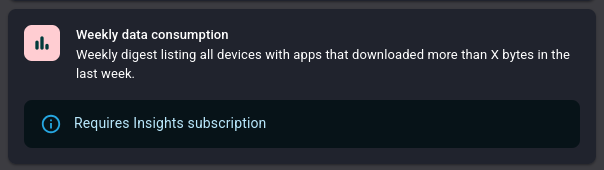
If you have access to the InsightsPaid MDM Add-On feature, some special alerts
are accessible to you.
If not, a visual warning will highlight that this alert won't work in your organization.
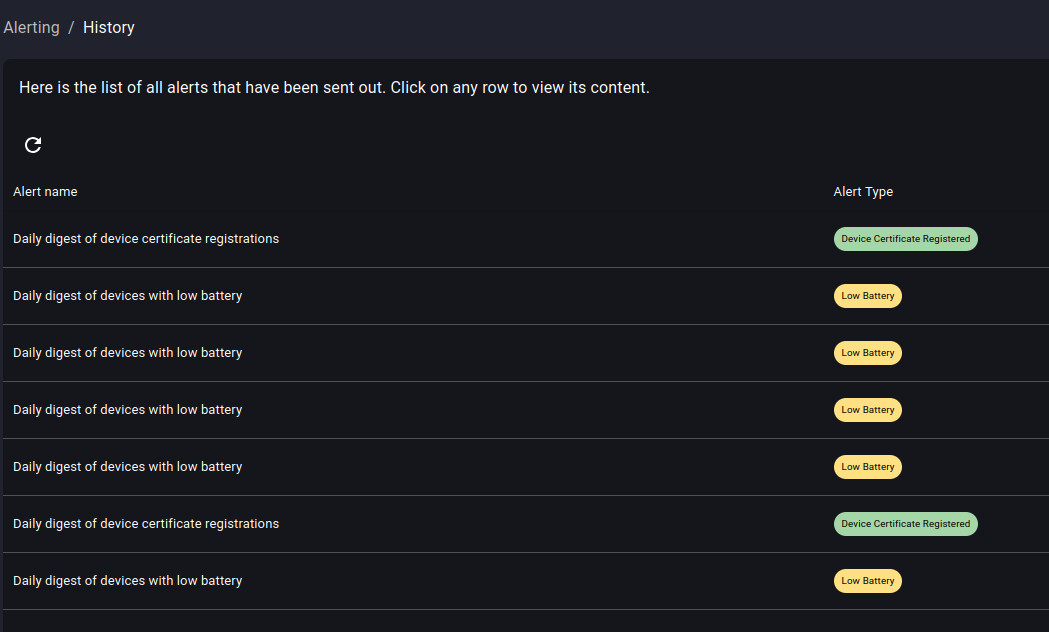
Review the history of alerts triggered in your organization
The "History" menu allows you to review all alerts which were triggered in your organization. Clicking on any of them gives you
the exact content you would have received per e-mail or MDM notification.
Permissions
The following list includes all permissions tied to this MDM section and the impacts they have on the MDM interface
or the MDM API.